How Snagg works
Find it again,
without the hunt.
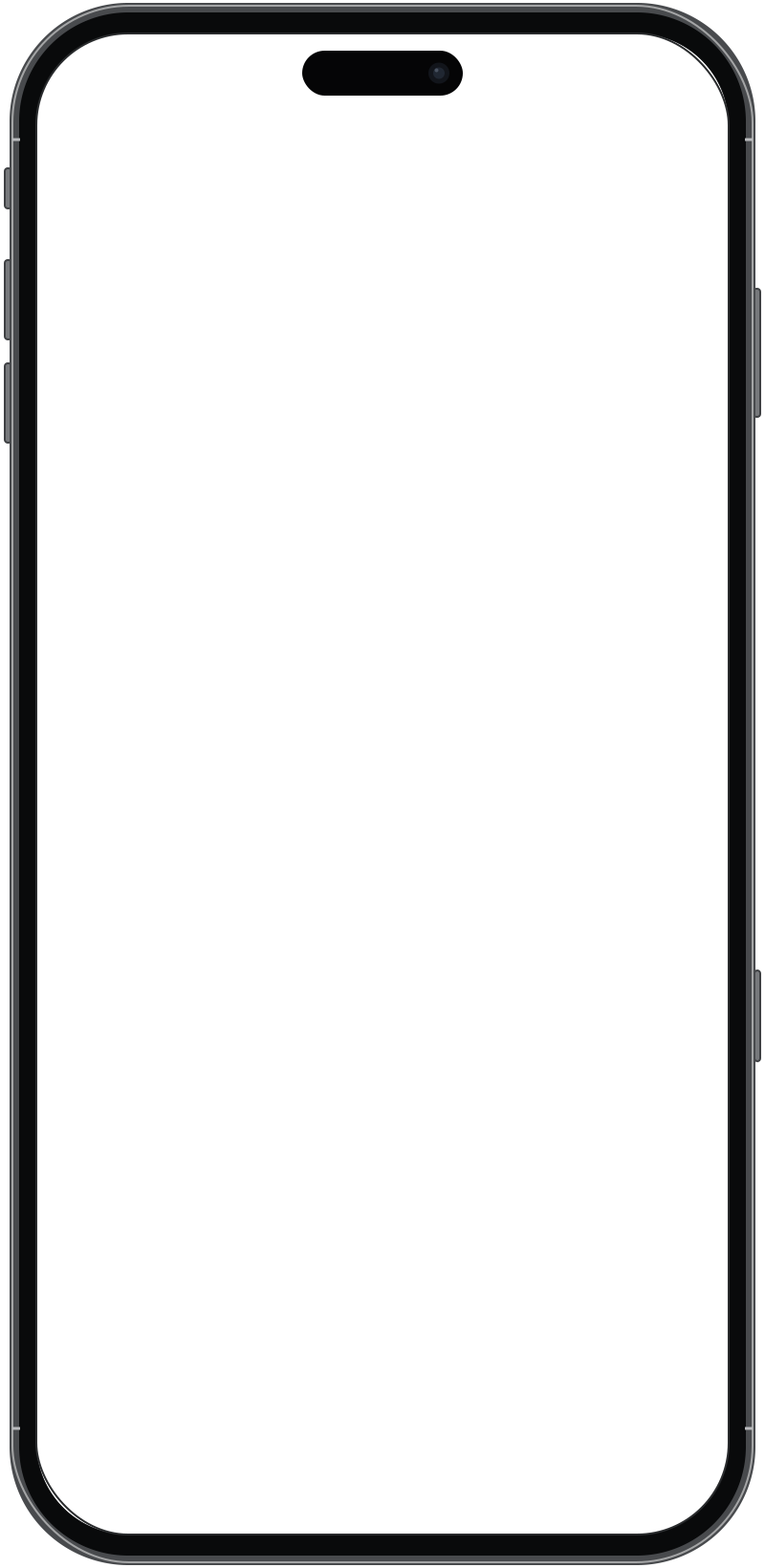
Something caught your eye? Share its link to Snagg. A few seconds now, and you know where to look later.

The real save flow
Three steps.
Nothing complicated.
-
 01
Find something worth keeping
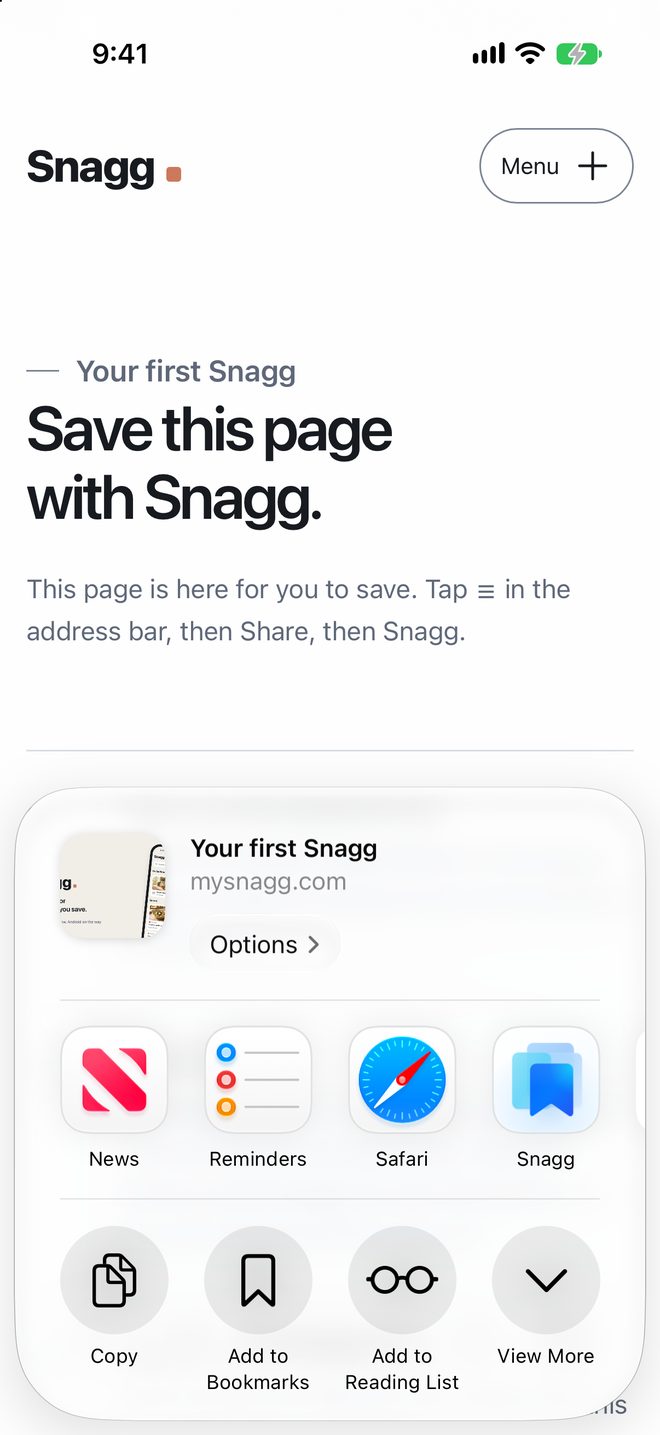
You’re already scrolling, reading or listening. When you find a link you want to come back to, open the app’s Share menu. If the app offers a shareable web link, choose Snagg.
-
 02
Snagg it
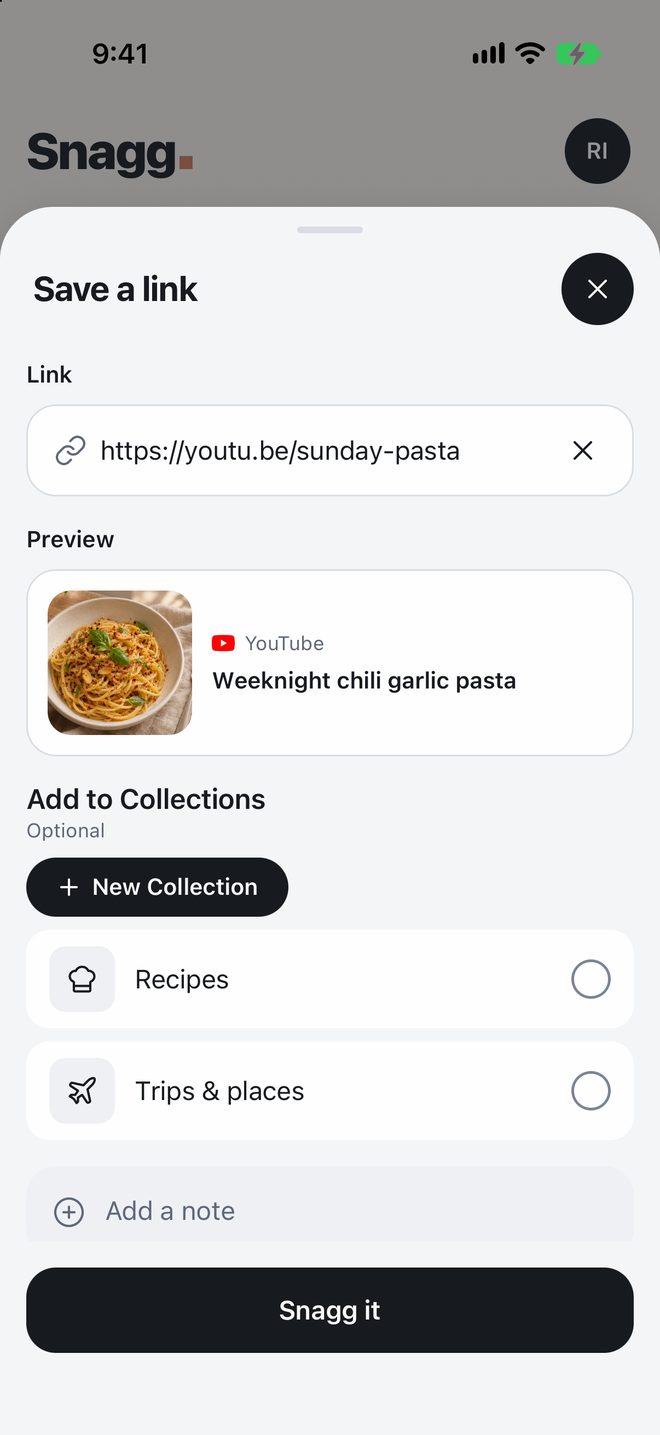
Snagg shows the link you’re about to save. Add a Collection or a note if you like, or skip both. Tap “Snagg it” to finish, then go back to what you were doing.
-
 03
Find it later
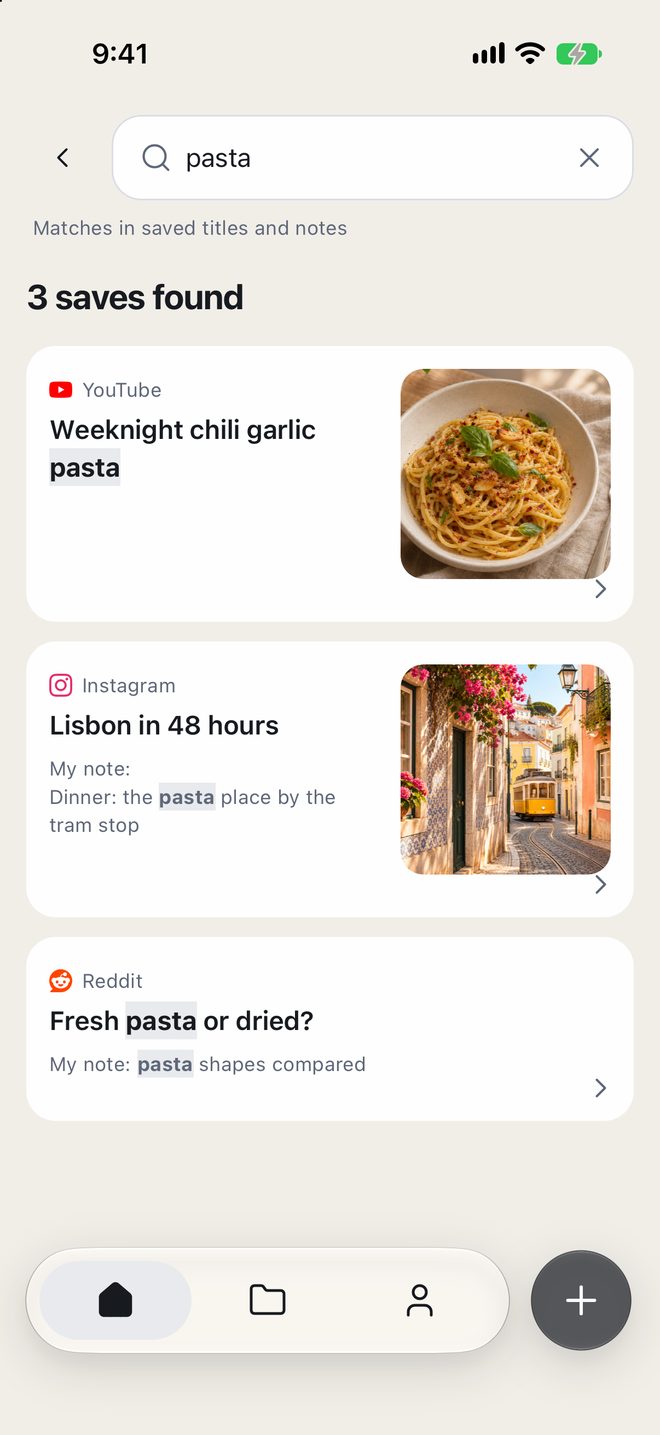
Open Snagg to see Recent or your Collections, or search your saved titles and notes. Open the save and tap “Open original” to go to its source.

Real screens with sample content. The share menu looks a little different in each app and on each phone.
Snagg isn’t in your share menu yet? Support shows how to turn it on.
Also easy
Have a link
already copied?
Open Snagg, tap the plus button and paste it. Save it the same way.
Good to know
- Snagg saves a link. It doesn’t download the song, the video or the post.
- You open the original in its own app or website.
- Some links open only when you’re signed in to the original service.
- A link is saved even when its site doesn’t share a picture or title.

Ready for your next good find?
Save the next good find.
Find something worth saving? Now you know where it can live.


Free to start. On iPhone and Android.